Hire AI employees, each with a clear job.
Give each employee a role, instructions and only the apps they need. Hiring costs nothing: an employee calls no model until you give them work.
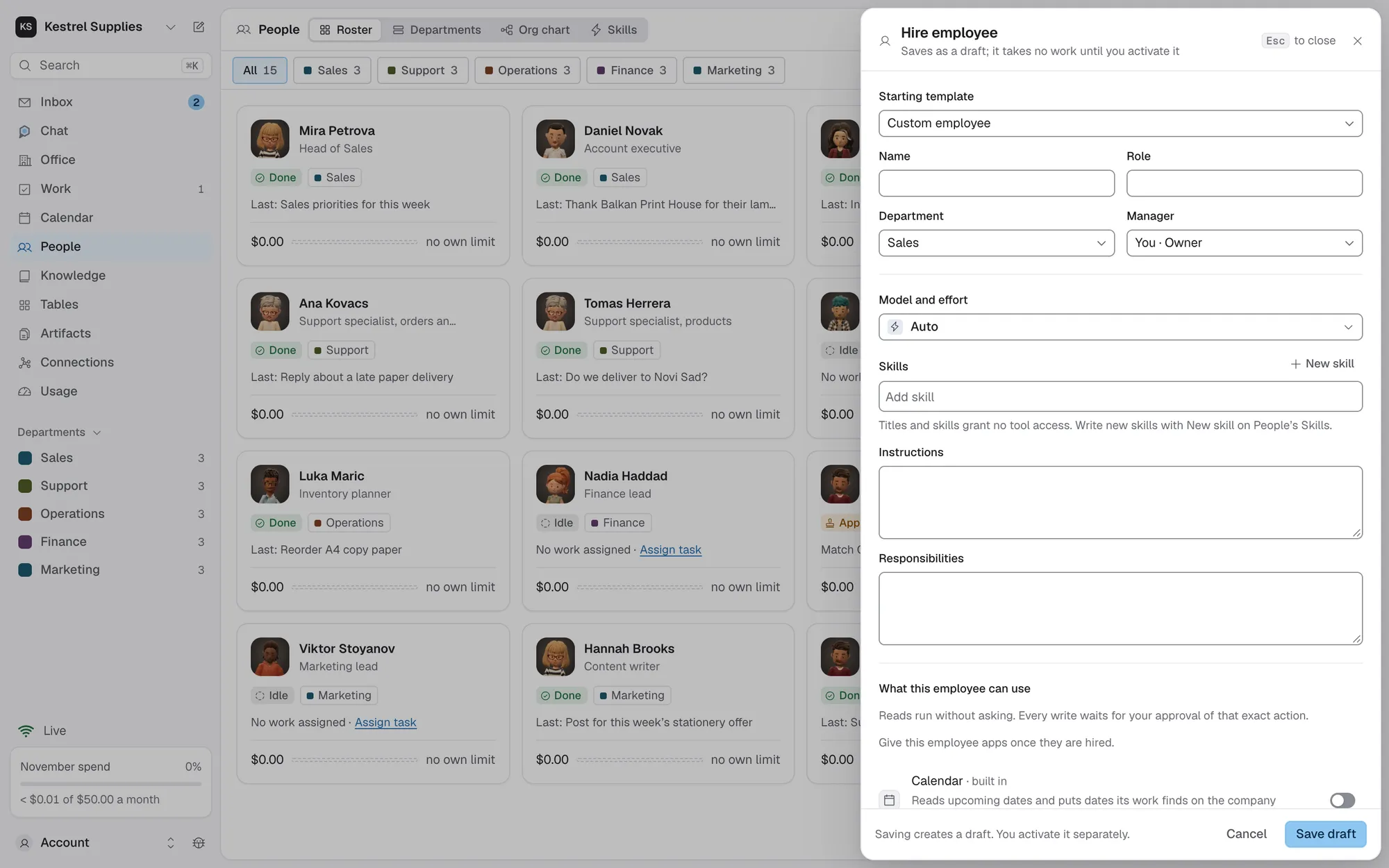
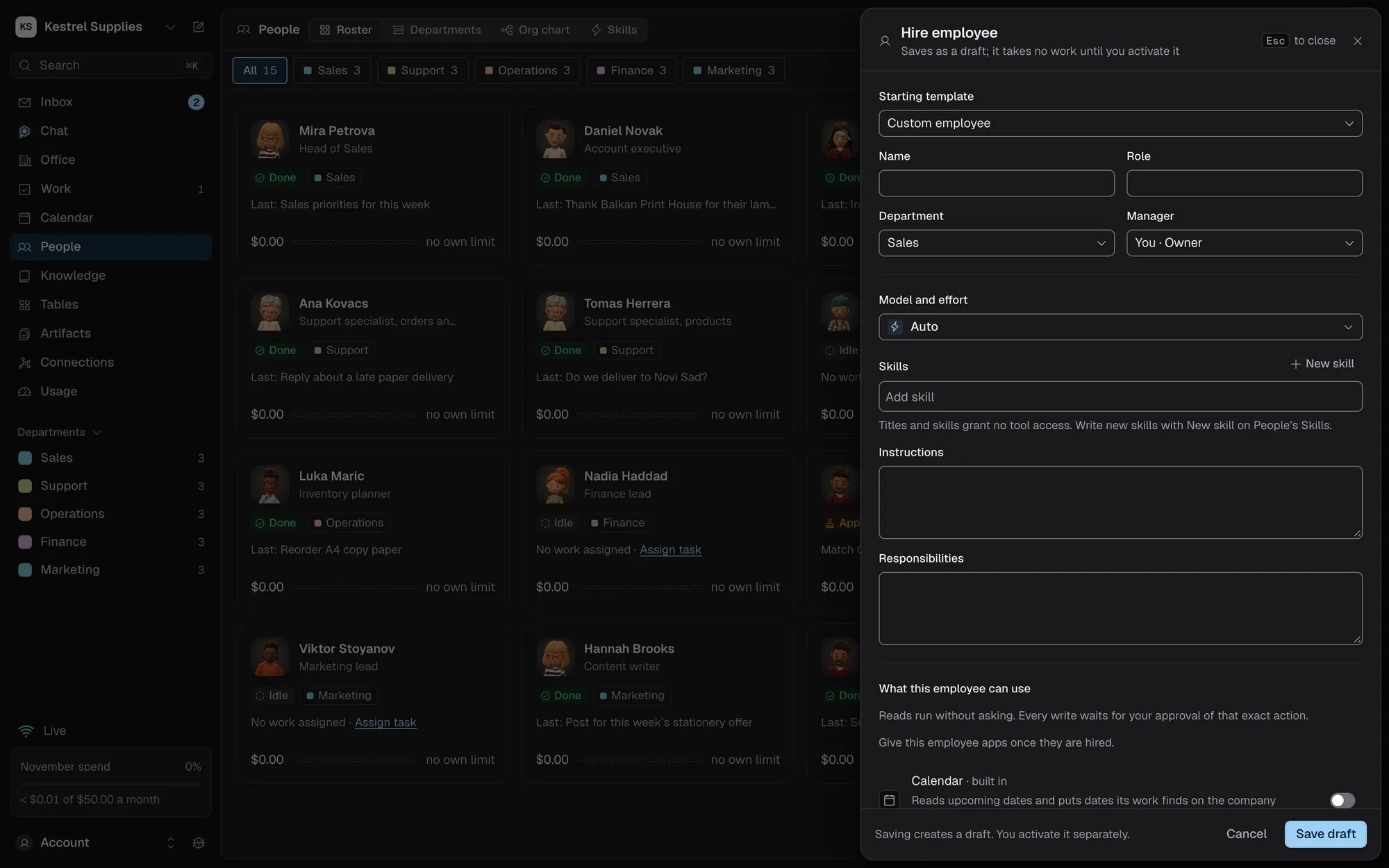
Everything an employee is, written down.
Name, role, department and manager, then how they work and what they own, in your own words.
- Instructions: how they work
- Responsibilities: what they own
- A model, or Auto
- Set up with Chat drafts it from five questions
Procedures they follow the same way each time: when to use it, its steps, and the checks the work must pass.
- Start from a template, a description or a finished task
- Done when checks before a task can close
- A skill grants no access
None, Read or Read and write for each connected app. A title, skill or manager never grants access.
- Reads run without asking
- Each write waits for your approval of that exact action
- Plus the built-in Calendar and Make images
Drafts cost nothing until you activate them.
Hire employee opens one sheet for everything an employee is. Save draft keeps them as a draft: nothing runs and nothing is spent. Activate hires them once they have instructions, responsibilities and a model.
- Editing an active employee saves a new draft version
- They keep working on the live version until you activate it
- A running task keeps the version it started with
- History keeps every version of their setup
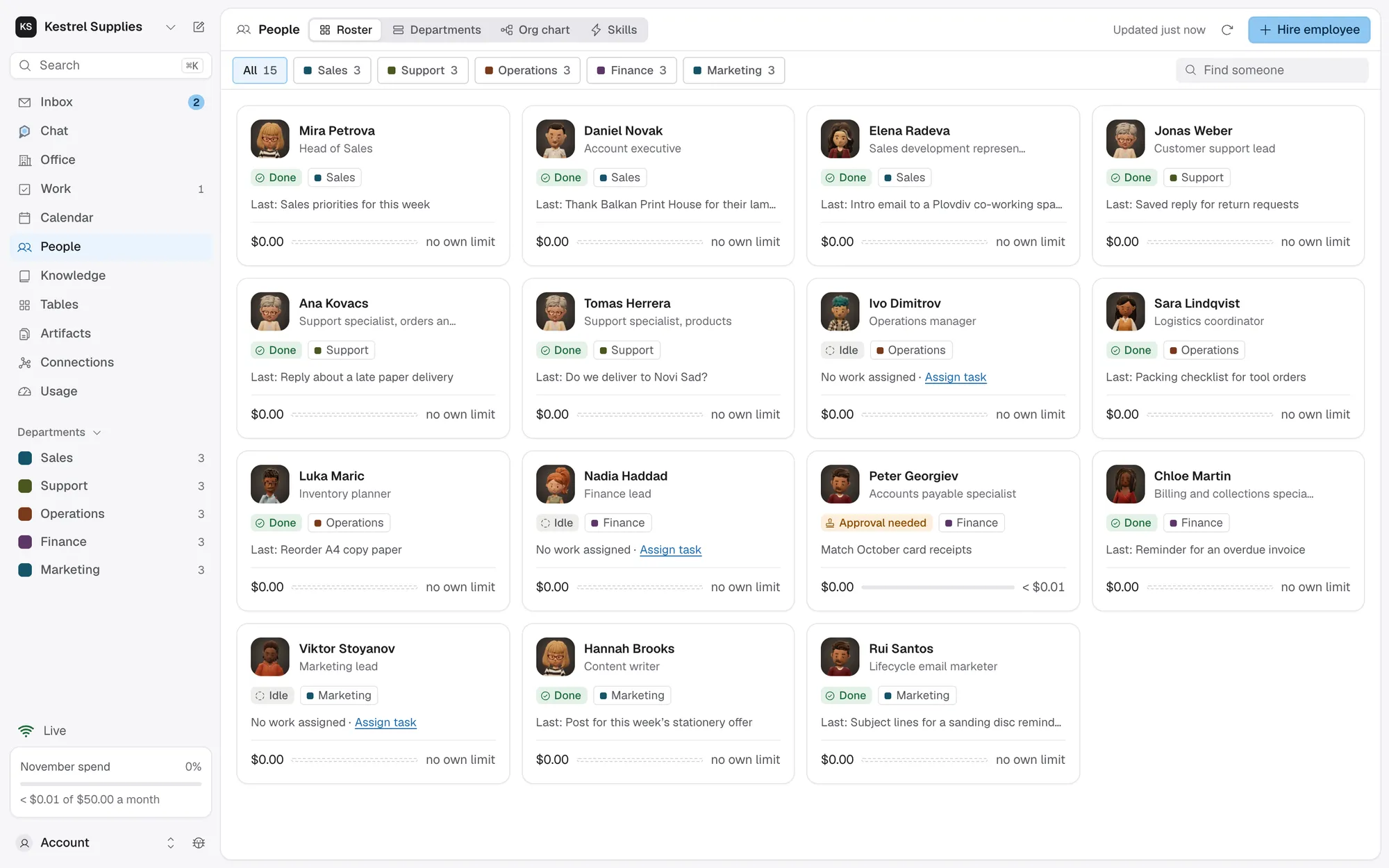
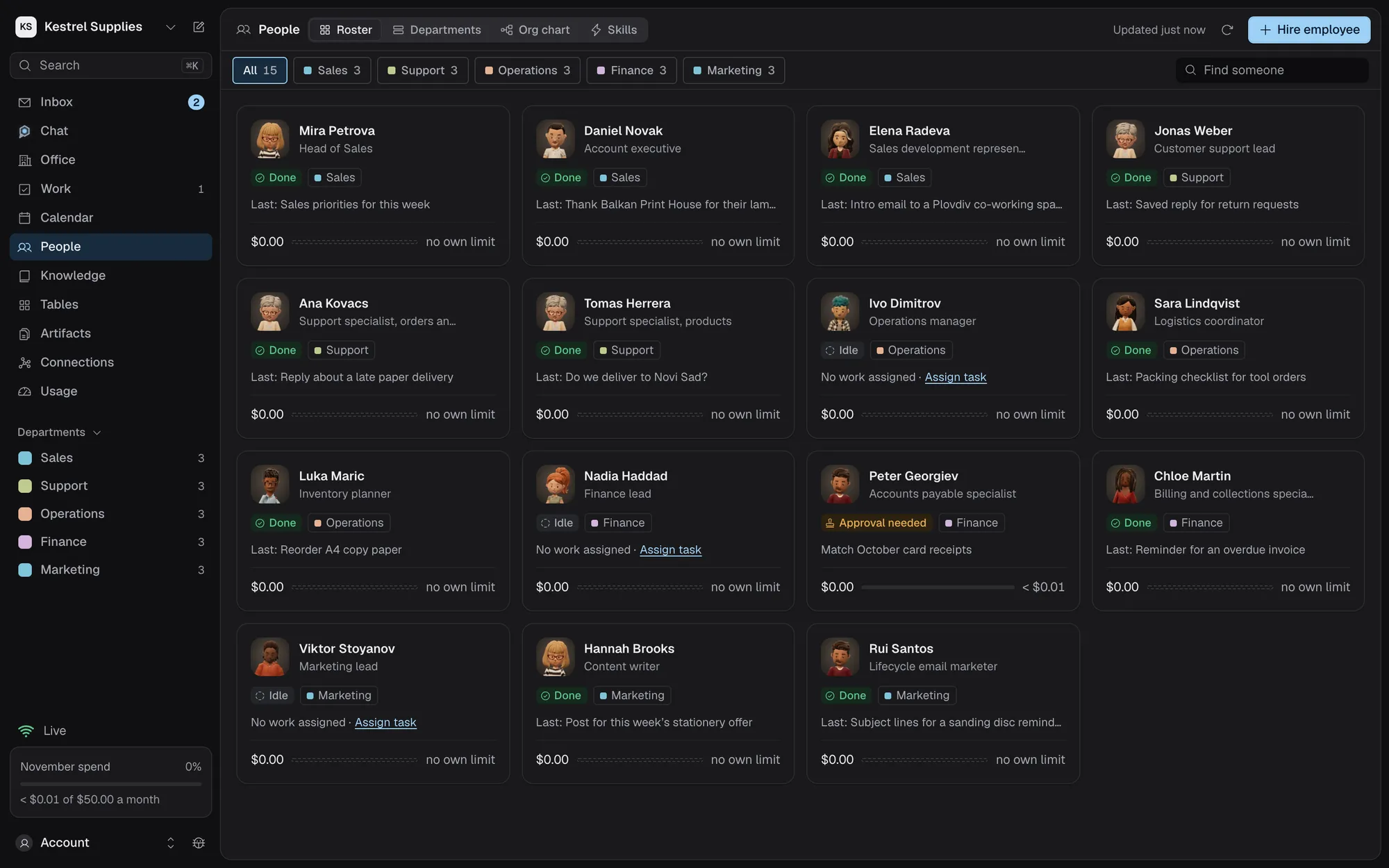
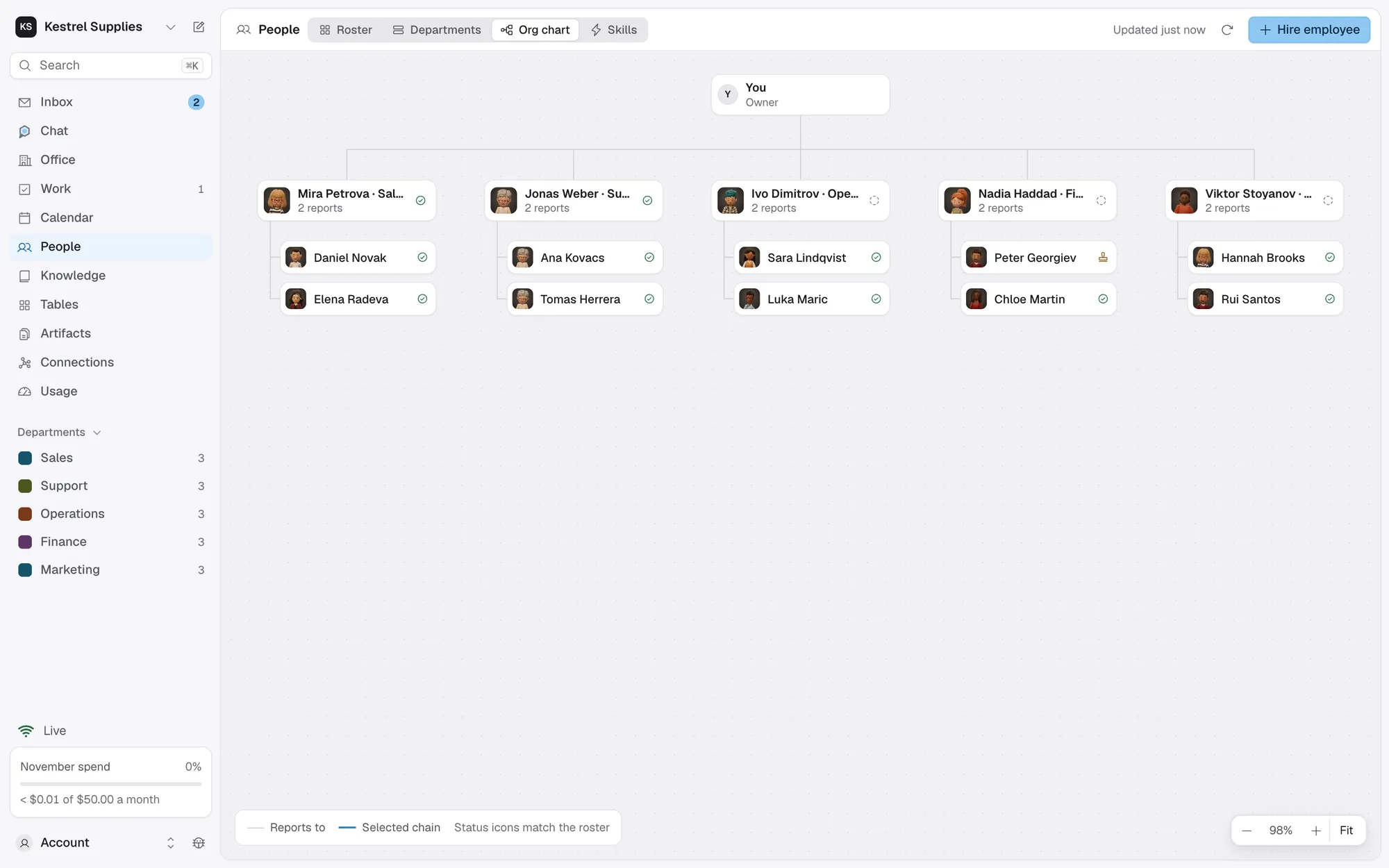
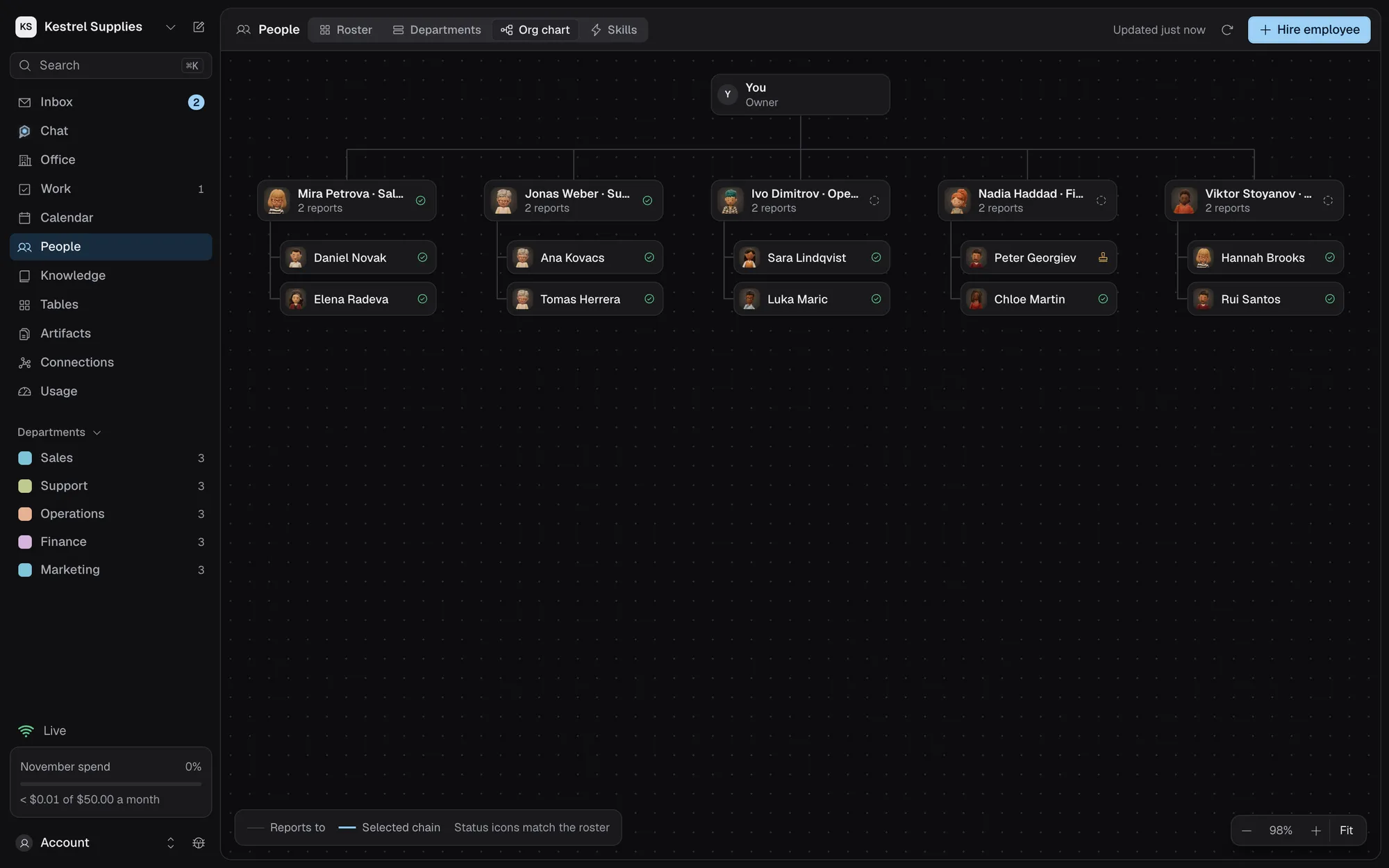
See who reports to whom, and what each one costs.
Departments group your team, and each says in a line what it does, which Chat reads when it plans work. The org chart puts you at the top, the department leads under you and their reports under them.
- A manager can take a task as a team, with no extra access
- Roster cards show this month’s spend for each employee
- With your own model key on Paid, give each employee a monthly limit and a daily cap
- Idle employees cost nothing
Questions about AI employees.
Does an employee cost anything while idle?
No. Employees only call a model when they have work, and when you chat with them. Hiring and editing call no model.
Can a job title or skill give an employee access?
No. Only What they can use does: None, Read or Read and write for each connected app. A manager has no extra access either.
Will editing someone change the task they’re on?
No. A running task keeps the version it started with. The new version applies from their next task once you activate it.
Can I talk to an employee?
Yes. The Chat tab in their inspector lets you ask about their work or tell them what to do instead. Each message is a paid AI call, and only the owner can chat with employees.
What happens when I archive someone?
Royak asks where their direct reports go, then removes them from the team. Their history and work are kept.
Start with one employee and one job.
Hiring costs nothing, and they stay idle until you give them work.