Watch your company work, desk by desk.
The Office shows your company as a round building with one island per department, and every desk shows who is working, waiting or stuck. It draws your saved records, so what you see is what happened.
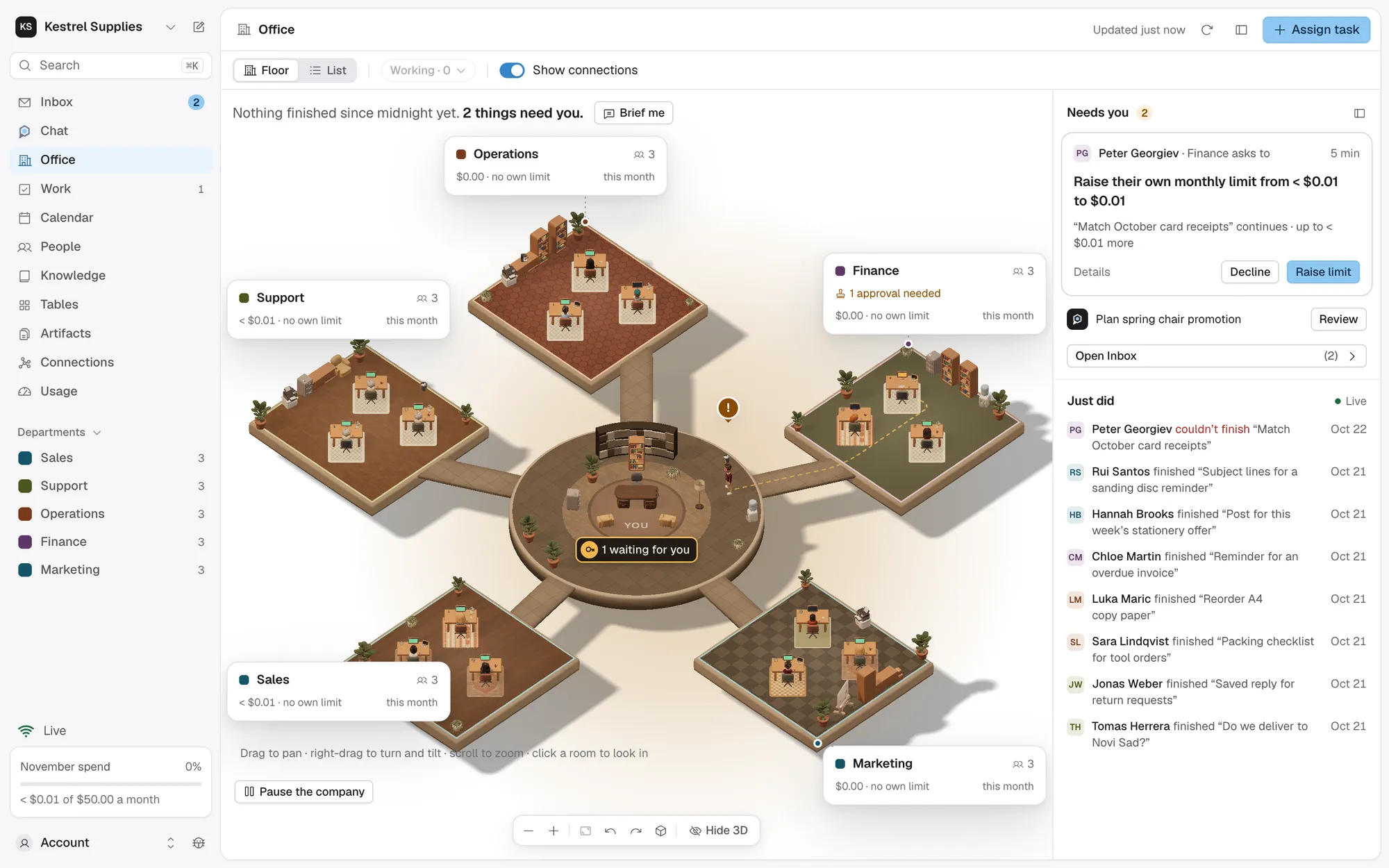
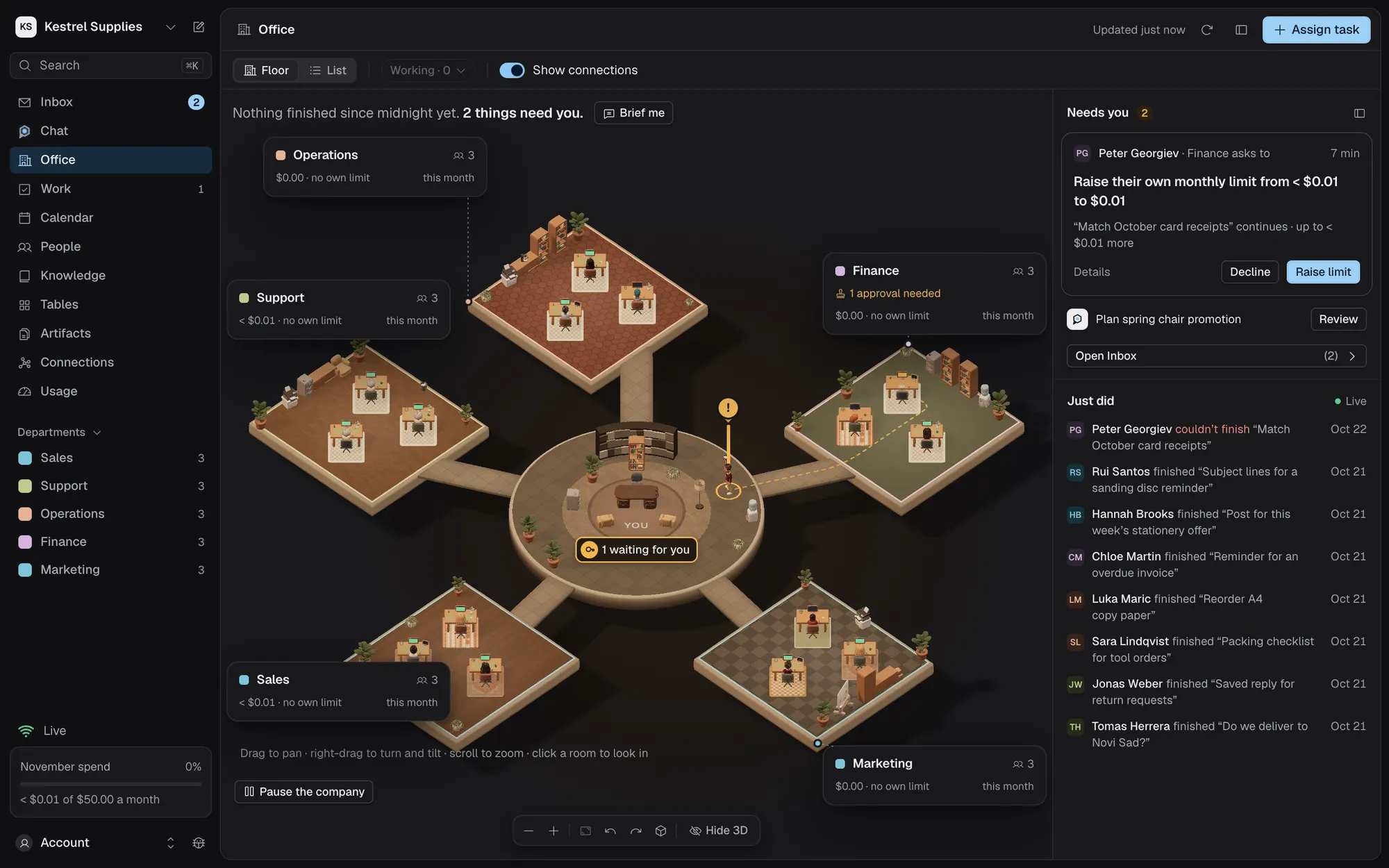
One floor for the whole company.
Your office stands in the middle and each department is an island round it, with a card for its people and spend.
- Head count and people by status
- This month’s spend, against its own limit if it has one
- Press 1 to 9 to jump to a department
Nobody moves without recorded work. A bubble names the current step, and the floor keeps itself up to date.
- Working, queued, paused, failed or needs you
- Work that read outside content is marked
- Drawing the floor calls no model
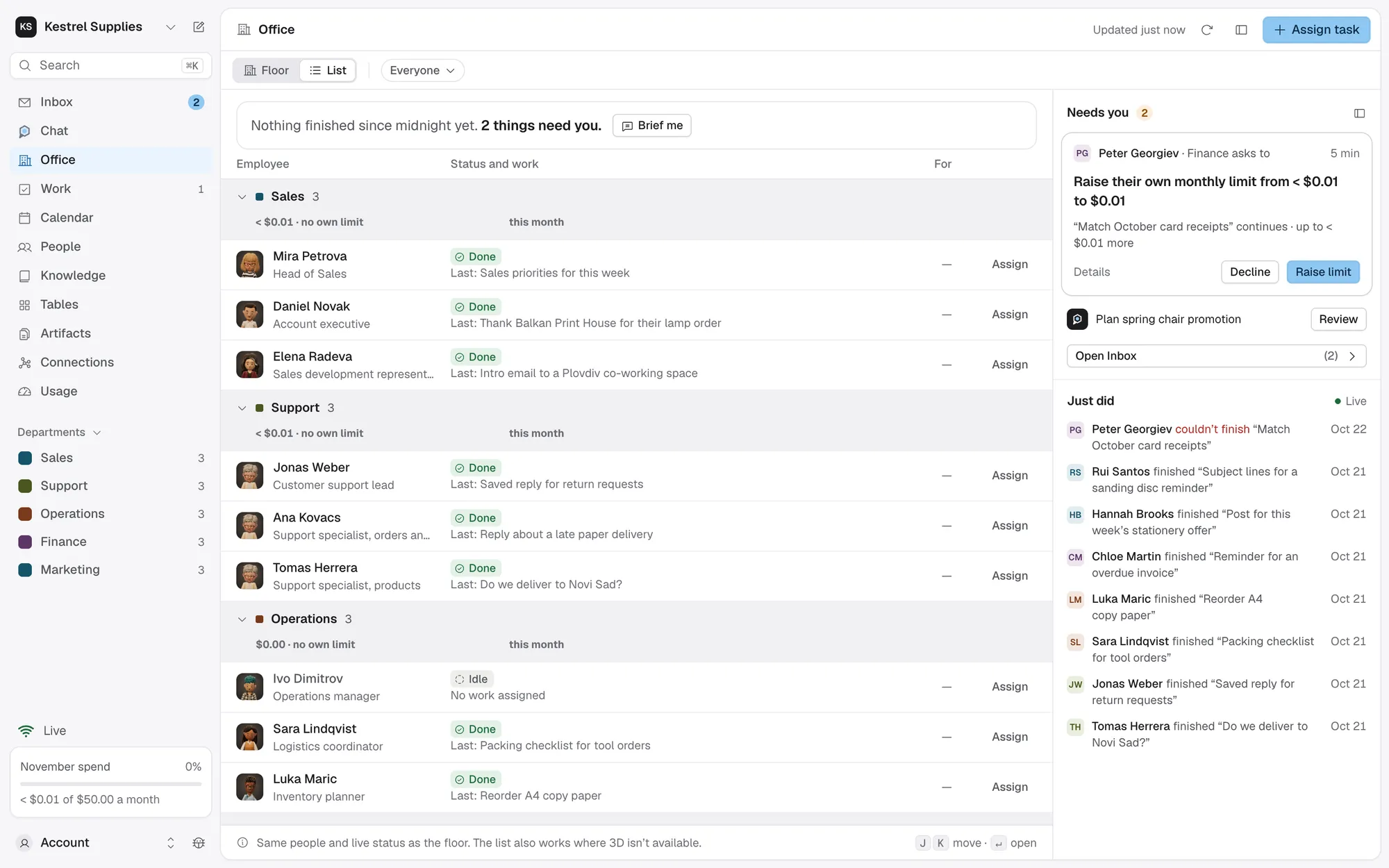
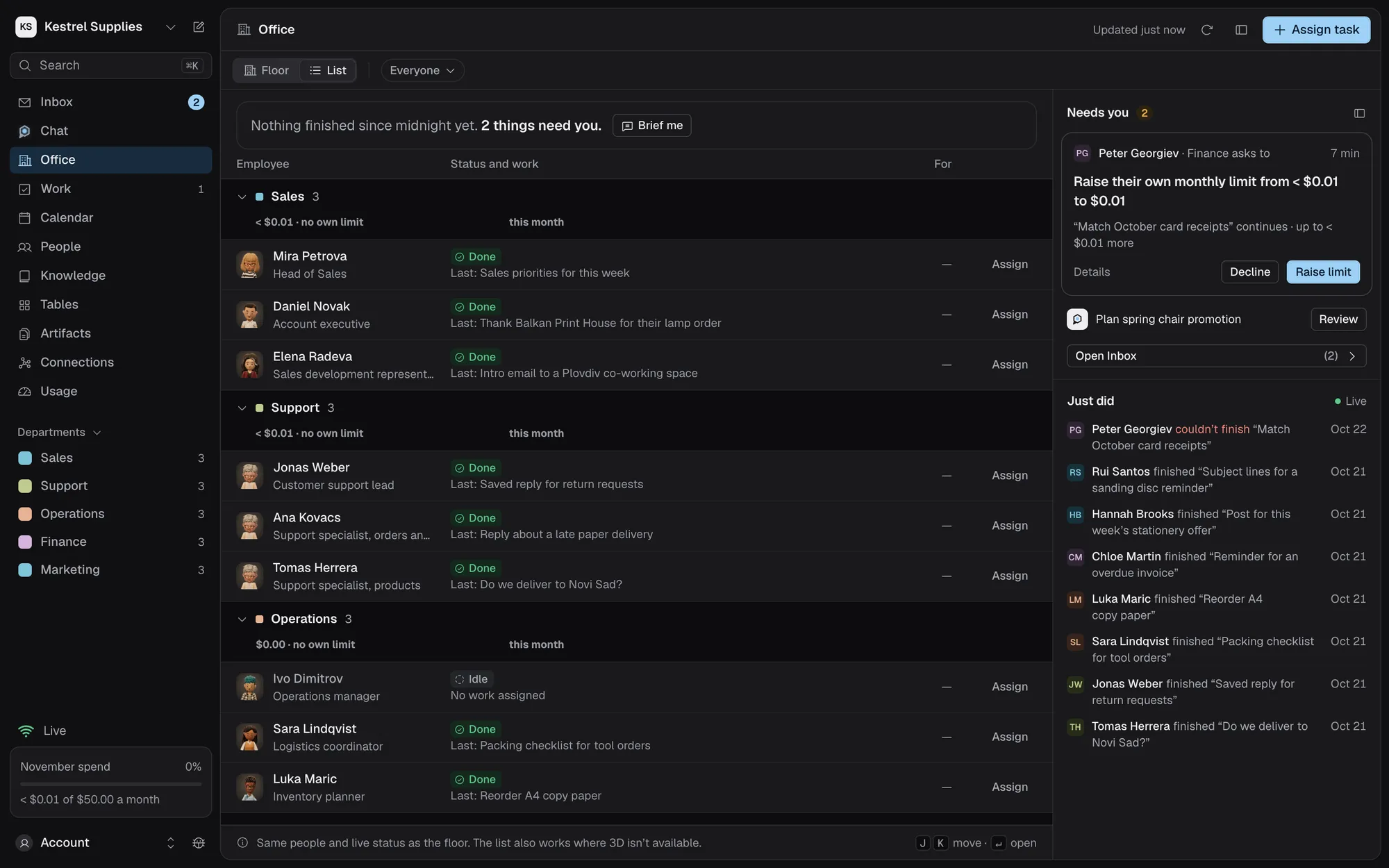
Beside the floor: what waits for you, with the buttons to decide it, and your latest updates as sentences.
- Approve or answer without leaving the floor
- The rest are a click away in Inbox
- Your latest eight updates, each linking to the work
Select anyone to see what they’re doing.
An employee’s inspector says in one line what they’re doing or waiting for, with the button to act on it. Its tabs hold a chat with them, their setup, every task and every version.
- Done today, Spent today and Success rate over 30 days
- Works in: each app they may use, and the one in use now
- Pause them or assign a task from its foot
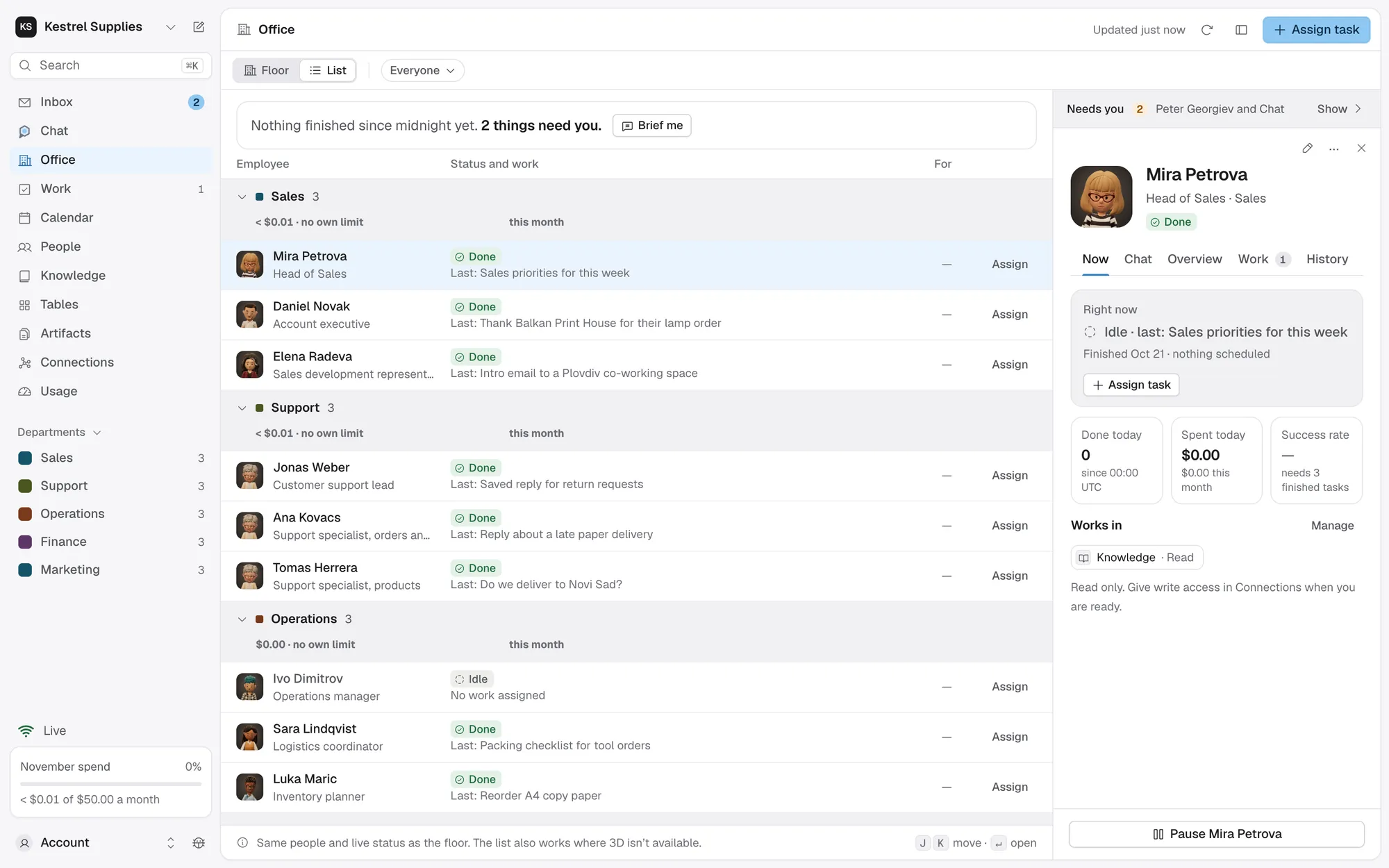
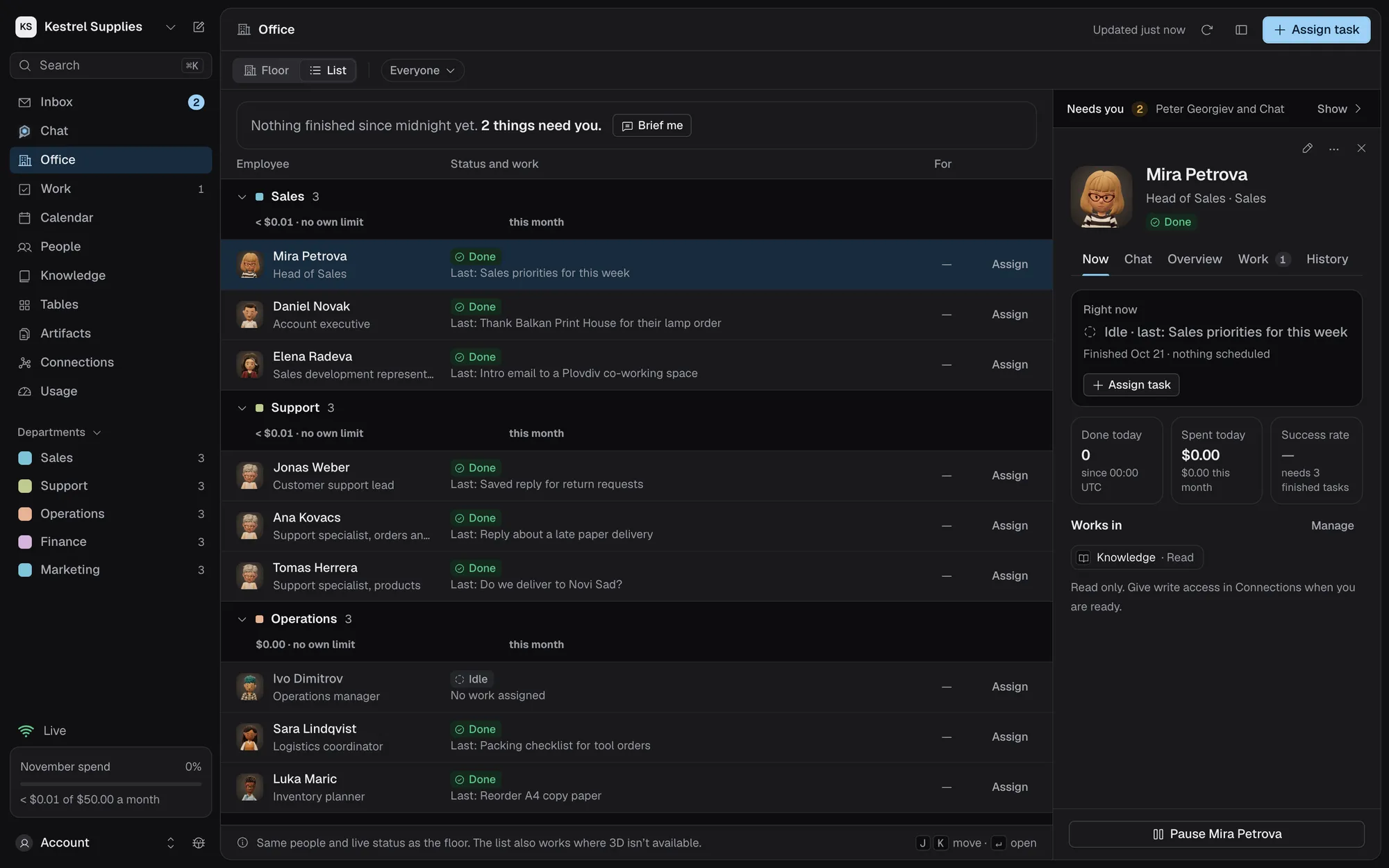
The same live status, as a list.
Switch Floor to List to see every employee as a row, grouped by department with each department’s spend. If your device can’t show 3D, the Office opens on the list.
- Each person’s status, last work and how long it has lasted
- One action per row: Review, Answer or Assign
- J and K move through the rows
- Working filters it to those at work
Questions about the office.
Does the office animation cost anything?
No. The floor only draws your saved records. Nothing on it calls a model.
What does Brief me do?
A sentence at the top of the floor sums up the day from your records, such as tasks finished, what they spent and what needs you. Brief me opens Chat with that question ready to send.
Does closing the browser stop my employees?
No. Work runs on Royak’s servers. To stop it, Pause the company at the foot of the floor: each task stops at its next safe point and resumes from the same step.
What if my device can’t show 3D?
The Office opens on the list. If the 3D view fails to load, it says so and offers Retry 3D view and Use employee list.
Does it work on a phone?
Yes. The floor fills the screen, Needs you and Just did open as a sheet, and an employee’s inspector is a sheet you drag between part and full height.
See your company at work.
Hire an employee, give them a task and watch them work at their desk.