Say what you want done. Confirm the plan.
Chat turns a sentence into a goal, a plan and the team to do it. Every change is a card you confirm, so nothing starts until you say so.
An assistant that knows your company.
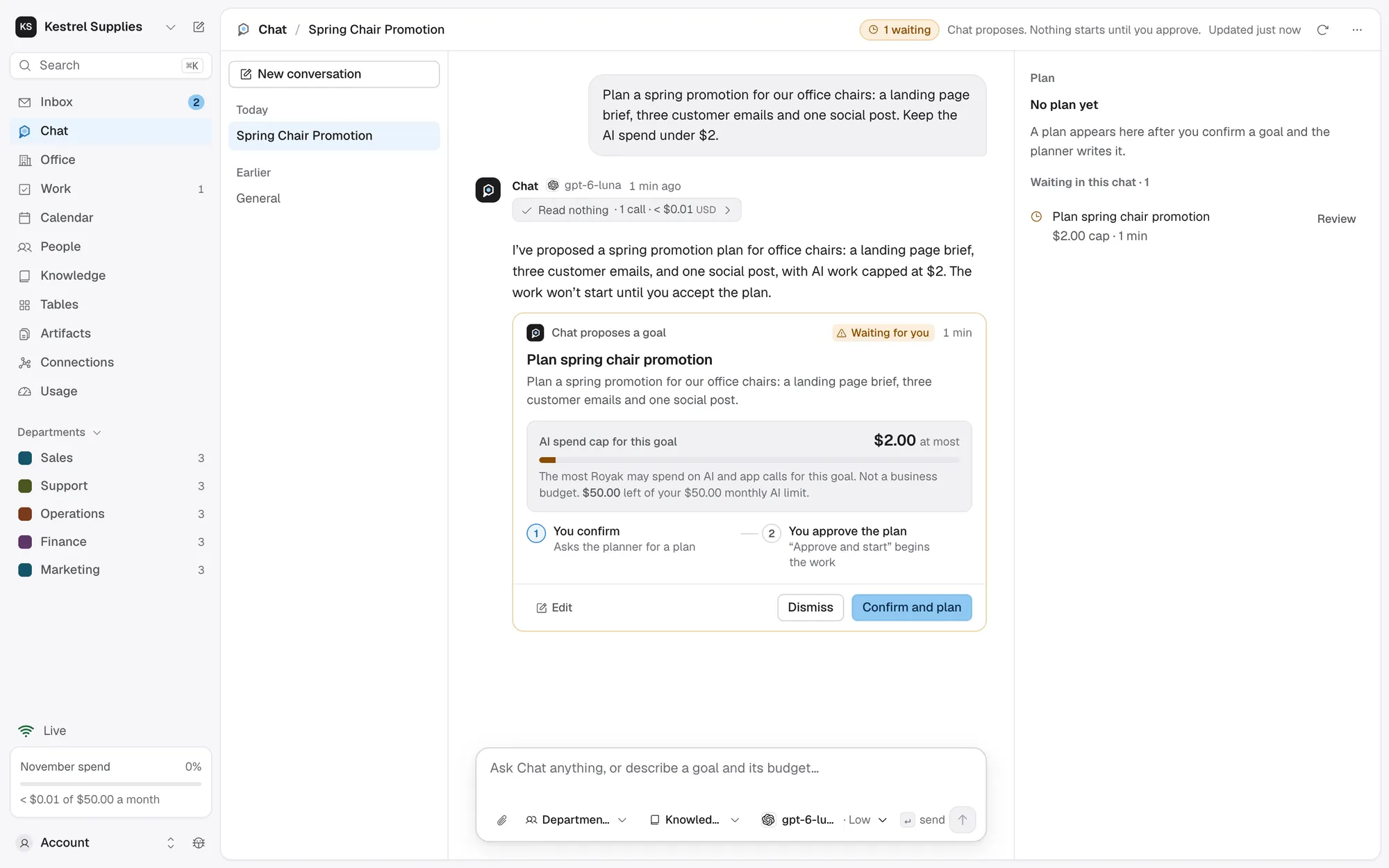
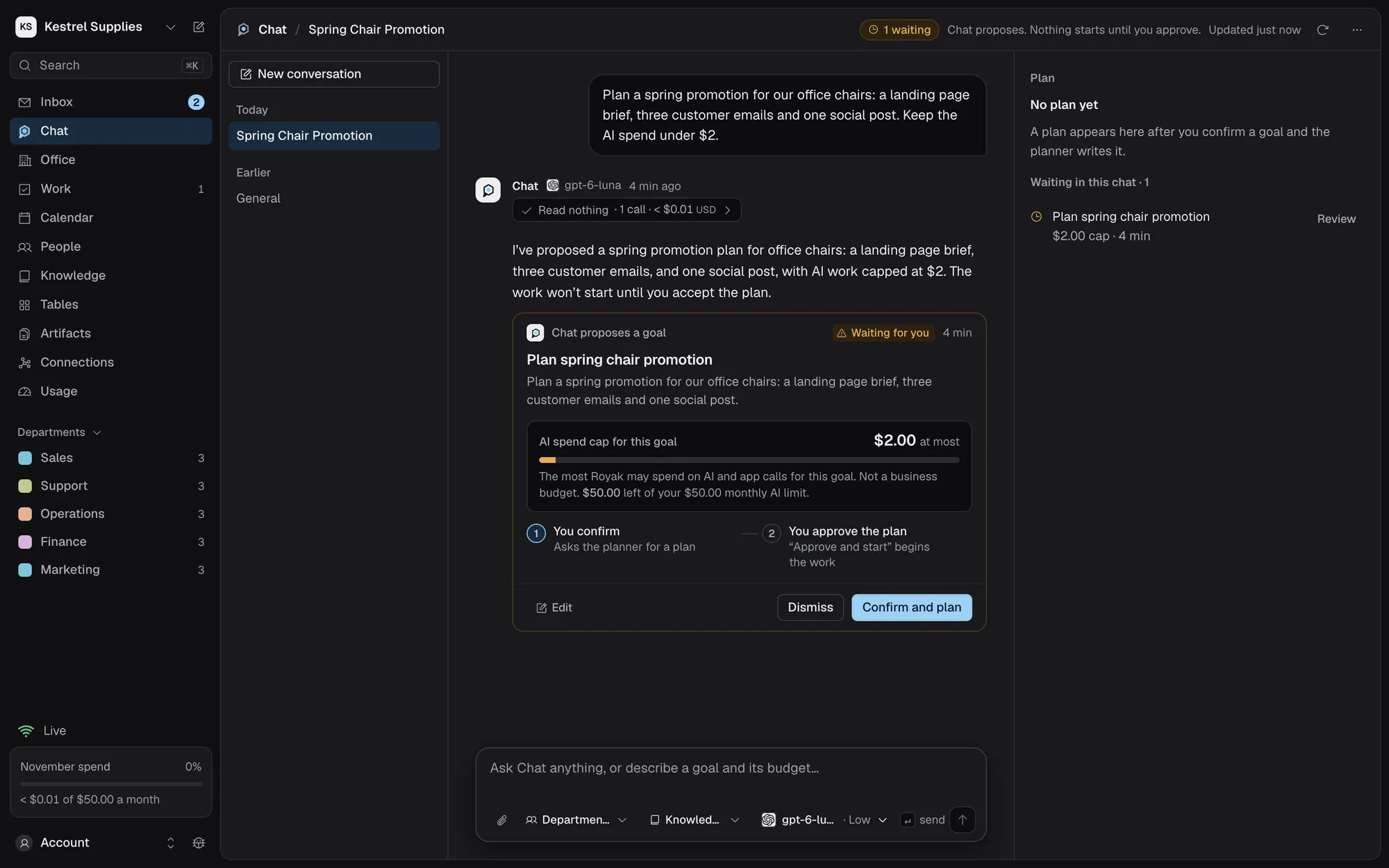
Describe an outcome and roughly what it may spend. Chat proposes a goal, then a plan of steps with who leads each.
- An AI spend cap on every goal
- The estimated cost against the budget left
- Approve and start, or change the plan in words
Ask about your company, its work and its knowledge, or anything you’d ask a capable assistant.
- A source chip after each sentence it rests on
- Each source opens the document or deliverable
- Says when an app you need isn’t connected yet
Ask for a new hire, a department or a weekly report. Chat shows exactly what would change, and waits.
- Several changes apply together, in order
- Repeating work comes with its timetable and monthly estimate
- Old values struck through, so you see the difference
One job for one person? Give a task.
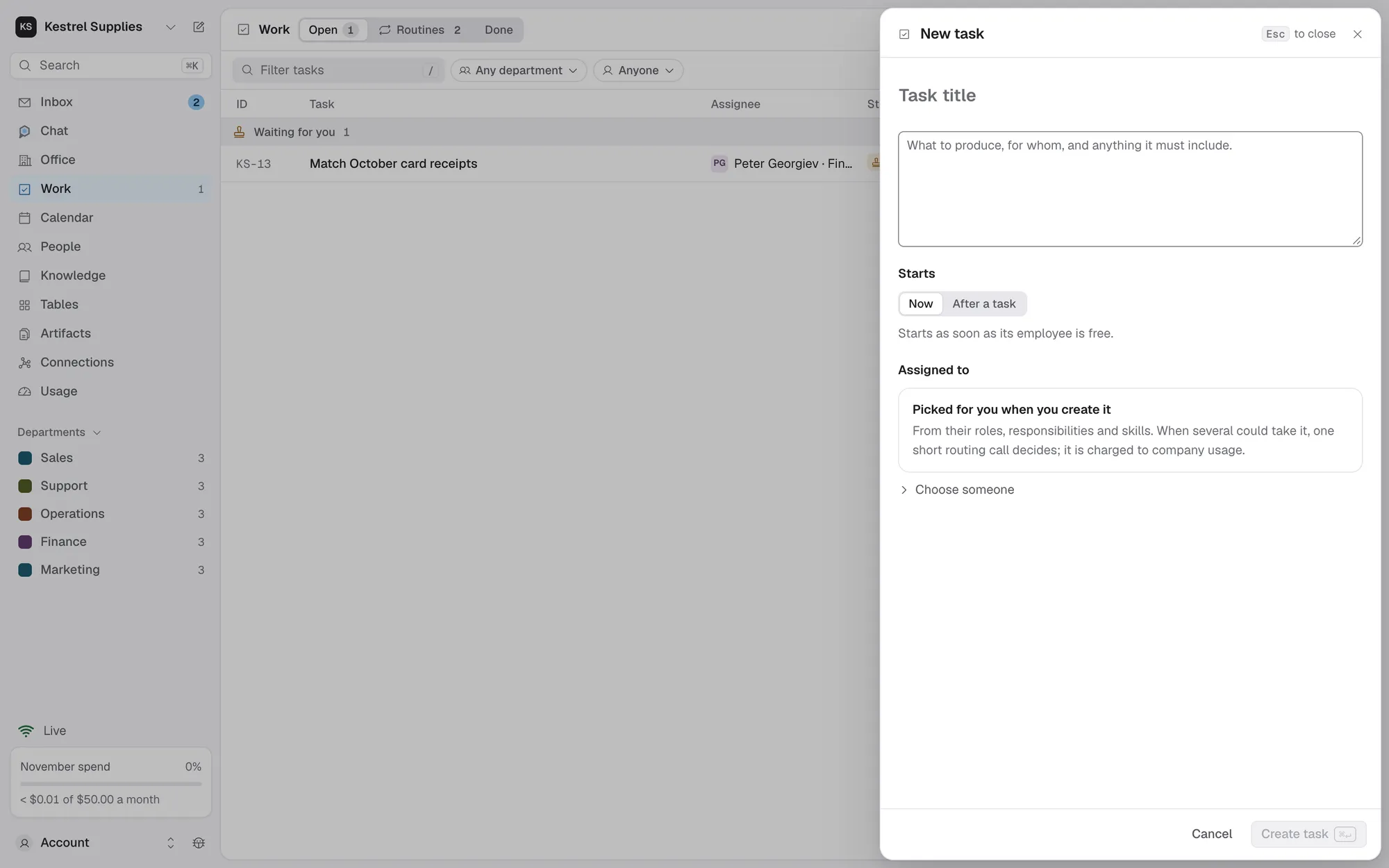
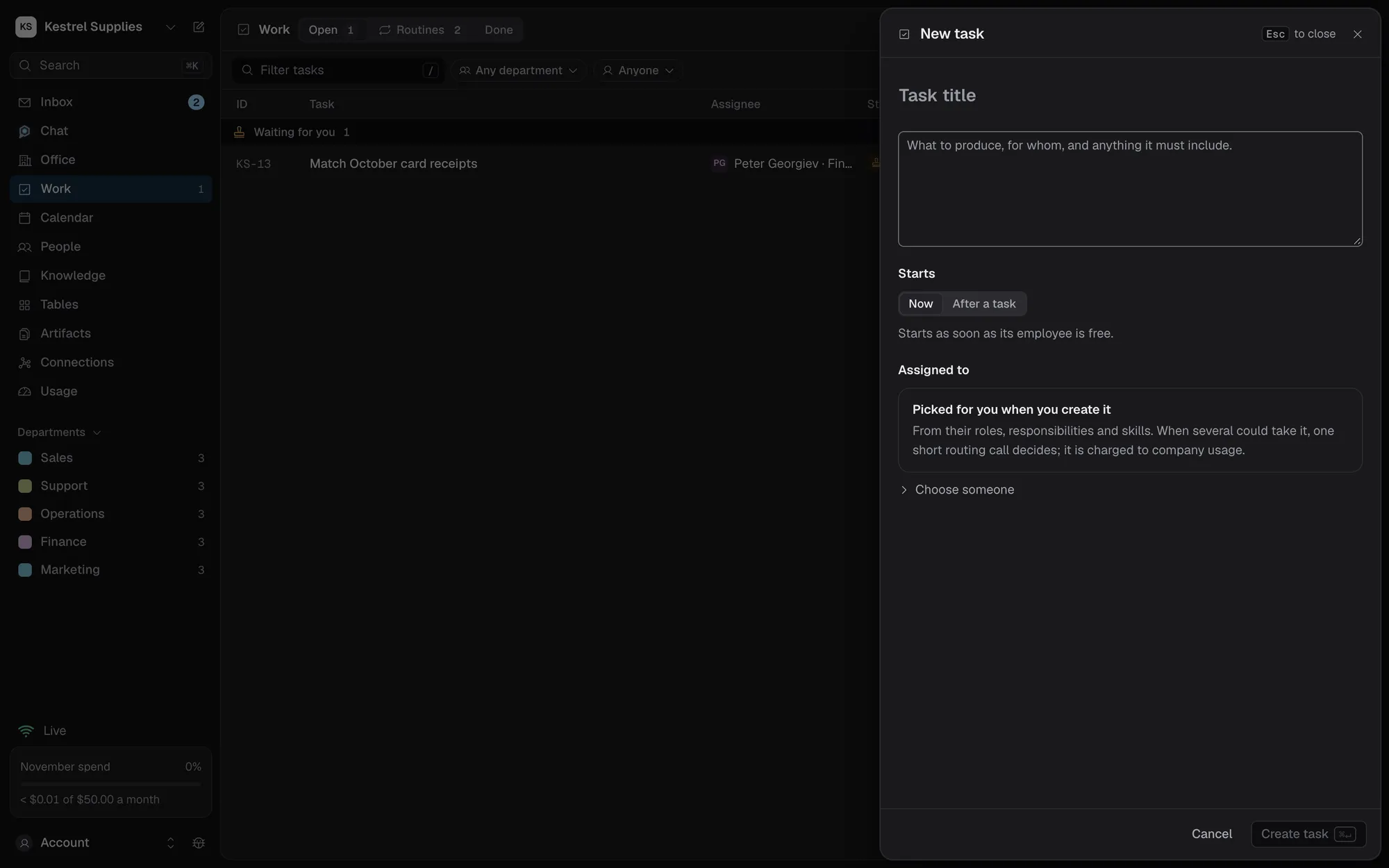
Not everything needs a plan. Assign task, or C on any company page, opens a sheet for a title and brief. Pick who does it, or let Royak choose from your employees’ roles, responsibilities and skills.
- If Royak isn’t sure who fits, it says why and suggests someone
- A task can start after another one finishes
- A brief that says when it repeats becomes a routine
- Use a goal when you want Chat to plan the steps
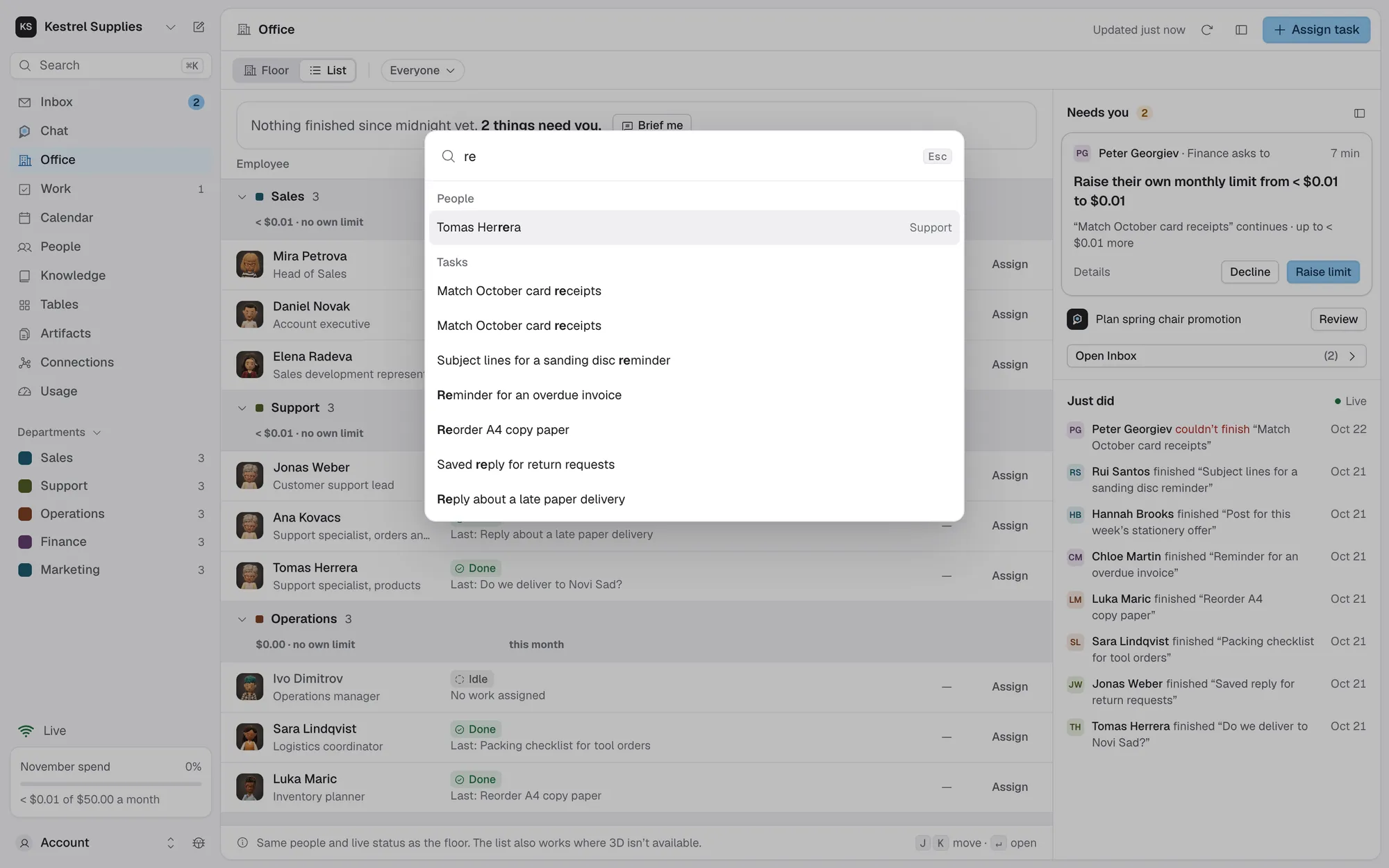
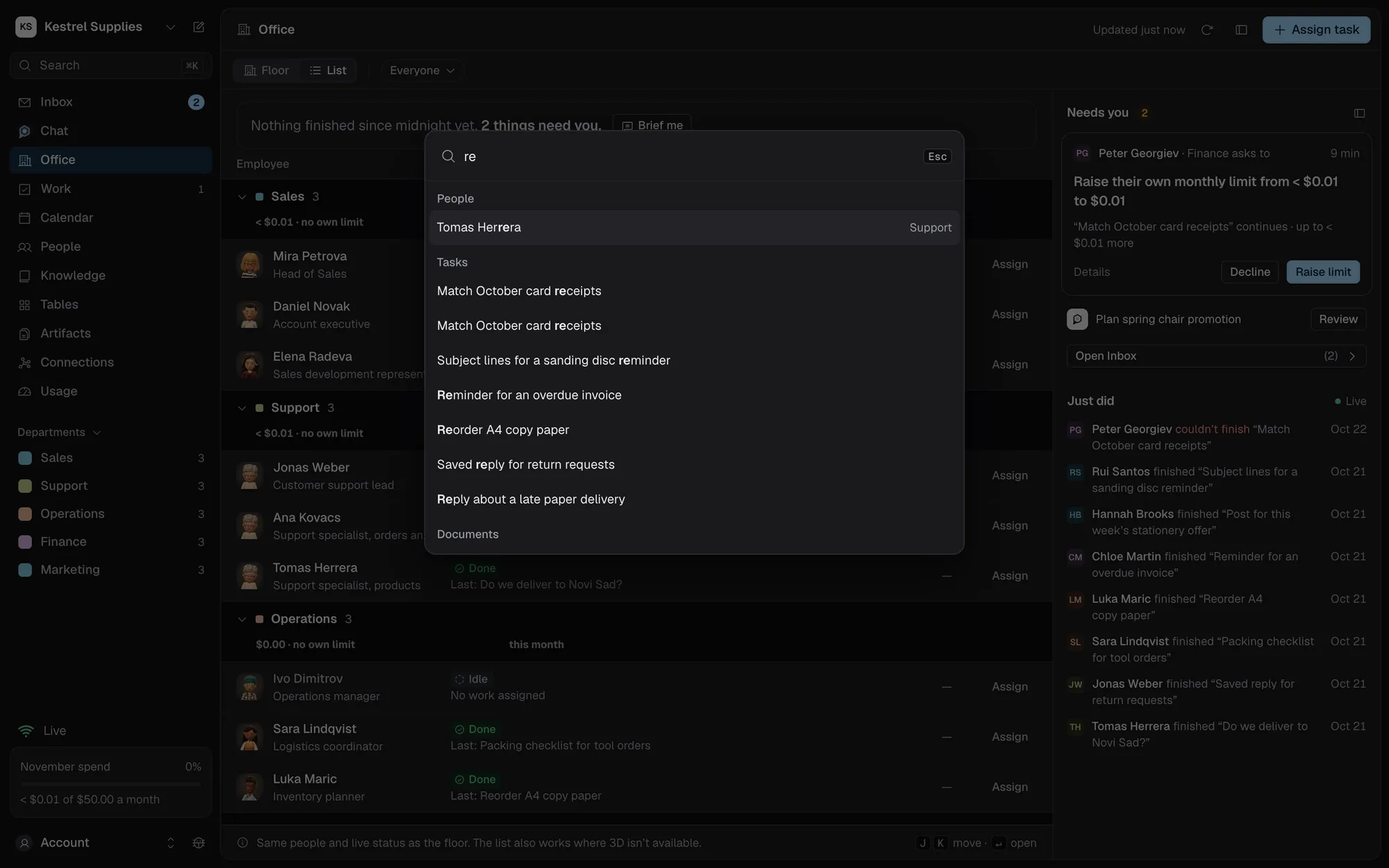
Find anything with ⌘K.
Press ⌘K (Ctrl+K on Windows) on any company page to search pages, people, departments, recent tasks, sources and artifacts.
- A short ID such as KS-142 in a chat message links to its task
- G then M opens Chat from any company page
- Press ? for every shortcut
Questions about Chat.
Can Chat change things by itself?
No, apart from adding dates you mention to the calendar. Everything else is a card you confirm. Chat can’t approve a plan, raise a budget, decide an Inbox item or give anyone access.
Can a goal spend more than its cap?
Not without you. Every call is reserved against the cap before it is made. When the cap is reached, the task waits and asks you to raise it.
Does every message cost something?
Yes. Each reply is one or more AI calls, and the line above it says how many and what they cost.
What if Chat read an email or a web page?
A card proposed after Chat read something you didn’t write marks the words that came from there, so you can check names, figures and addresses before you confirm.
Can other members read my chats?
No. Each member writes in their own conversations.
Tell Chat your first goal.
It proposes the plan and the cost. You decide whether it starts.