Lists filled for you, and work you can keep.
A table holds a list, such as leads, and an employee or an app fills a column for every row within a budget you set. Every deliverable lands in Artifacts, versioned.
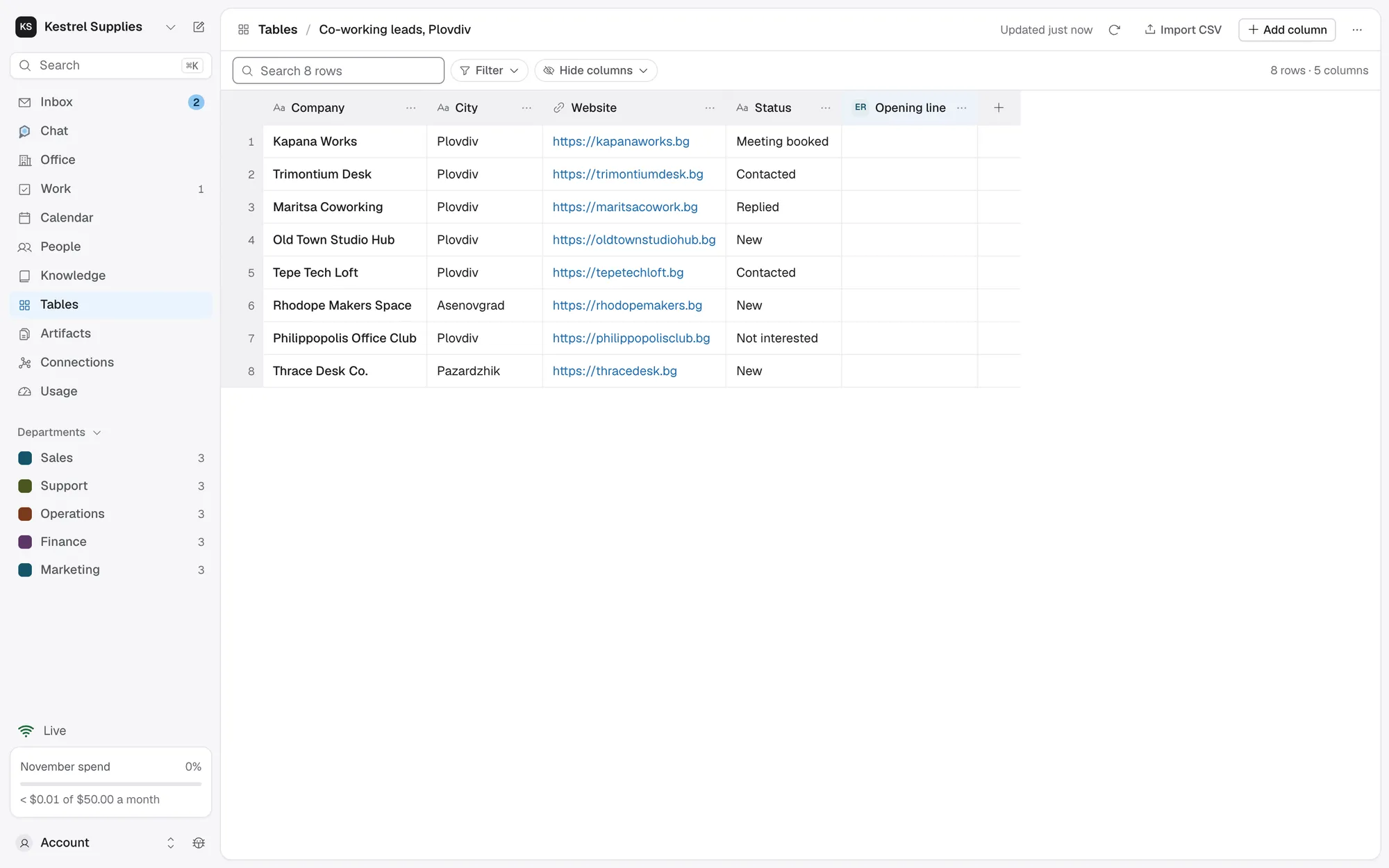
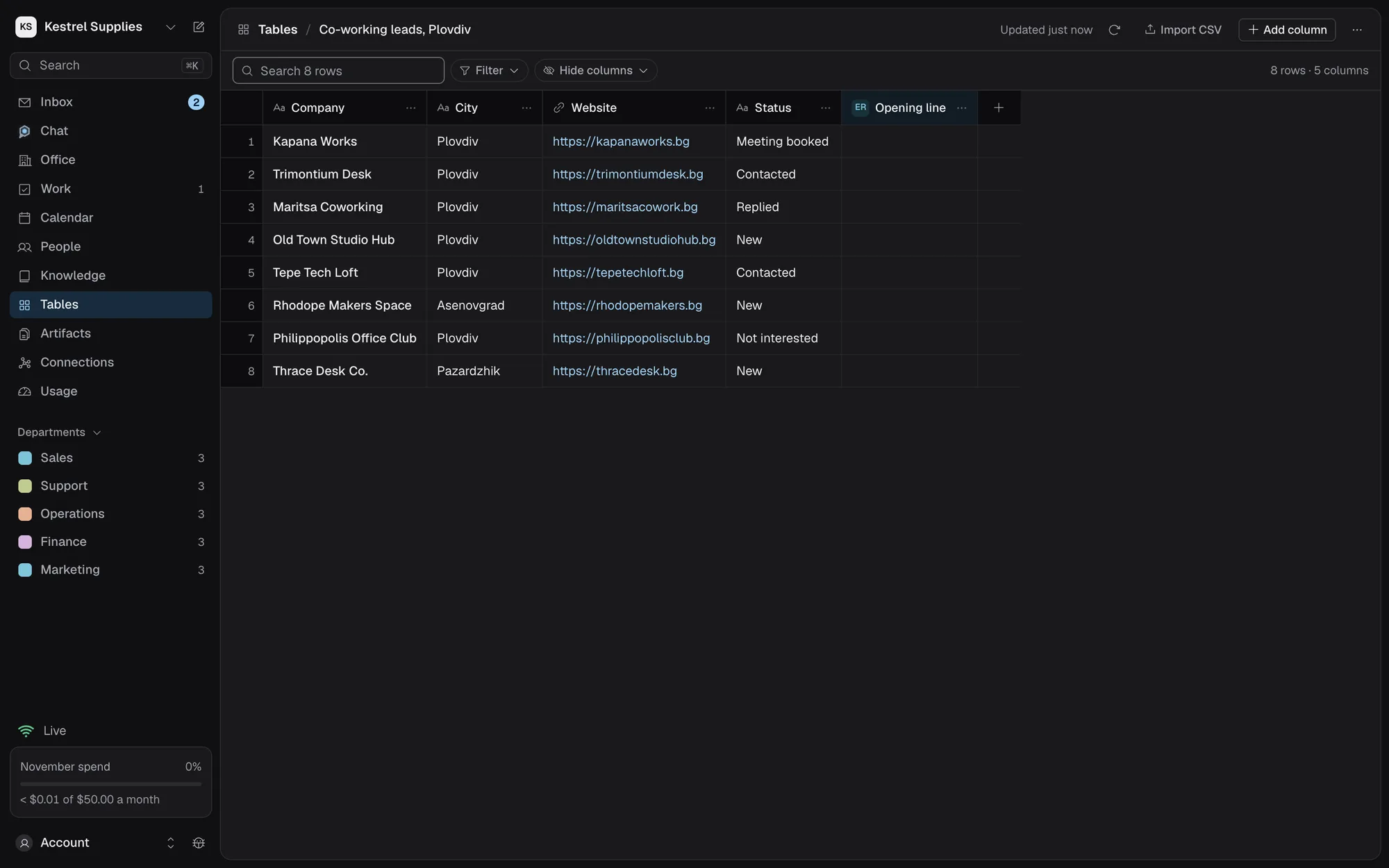
A list that fills itself, under your budget
Start blank, import a CSV, ask Chat, or copy another table’s columns.
- Match CSV headers to columns and merge duplicates
- Search, filter and hide columns
- Export CSV at any time
Say what goes in a column, and an employee or a connected app fills it for every row in one batch.
- Stop at caps what the batch may spend
- Pause, resume, raise the budget or stop
- Each cell shows how it was filled and its cost
A send column messages each row through a connected app, only once you approve the batch.
- The exact rows and values before you approve
- A daily send limit, and a Do not contact list
- Changed rows are refused and shown to you again
Every version kept, none of them changed
Artifacts holds what your employees deliver and the documents you write yourself. Every change is a new version, and comparing two shows the lines and words that changed.
- Depends on lists the sources it was built from, at the exact version
- It says when a newer version of a source exists
- Copy a link to exactly one version, or download it as Markdown
- Nothing in a document can run in your browser
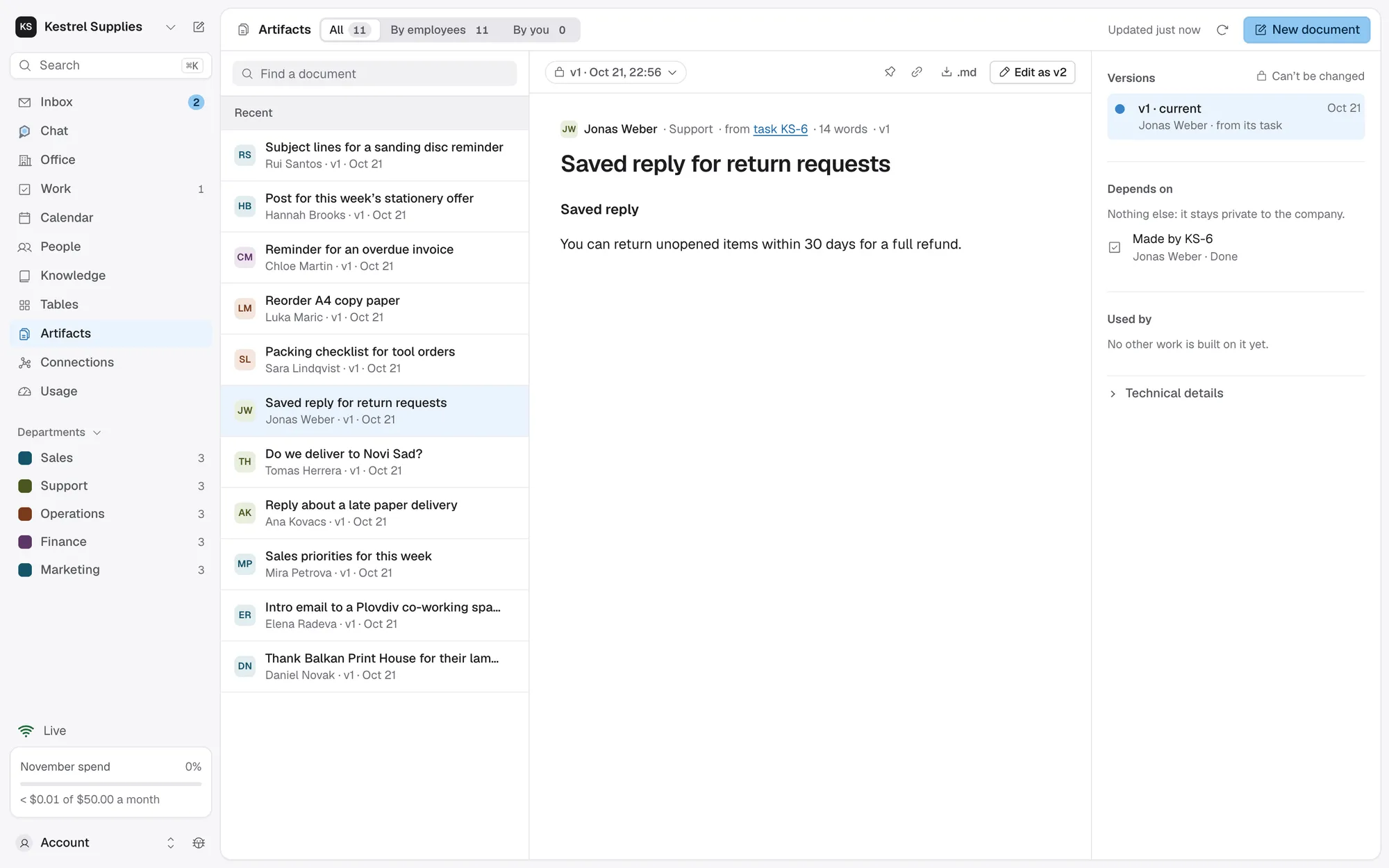
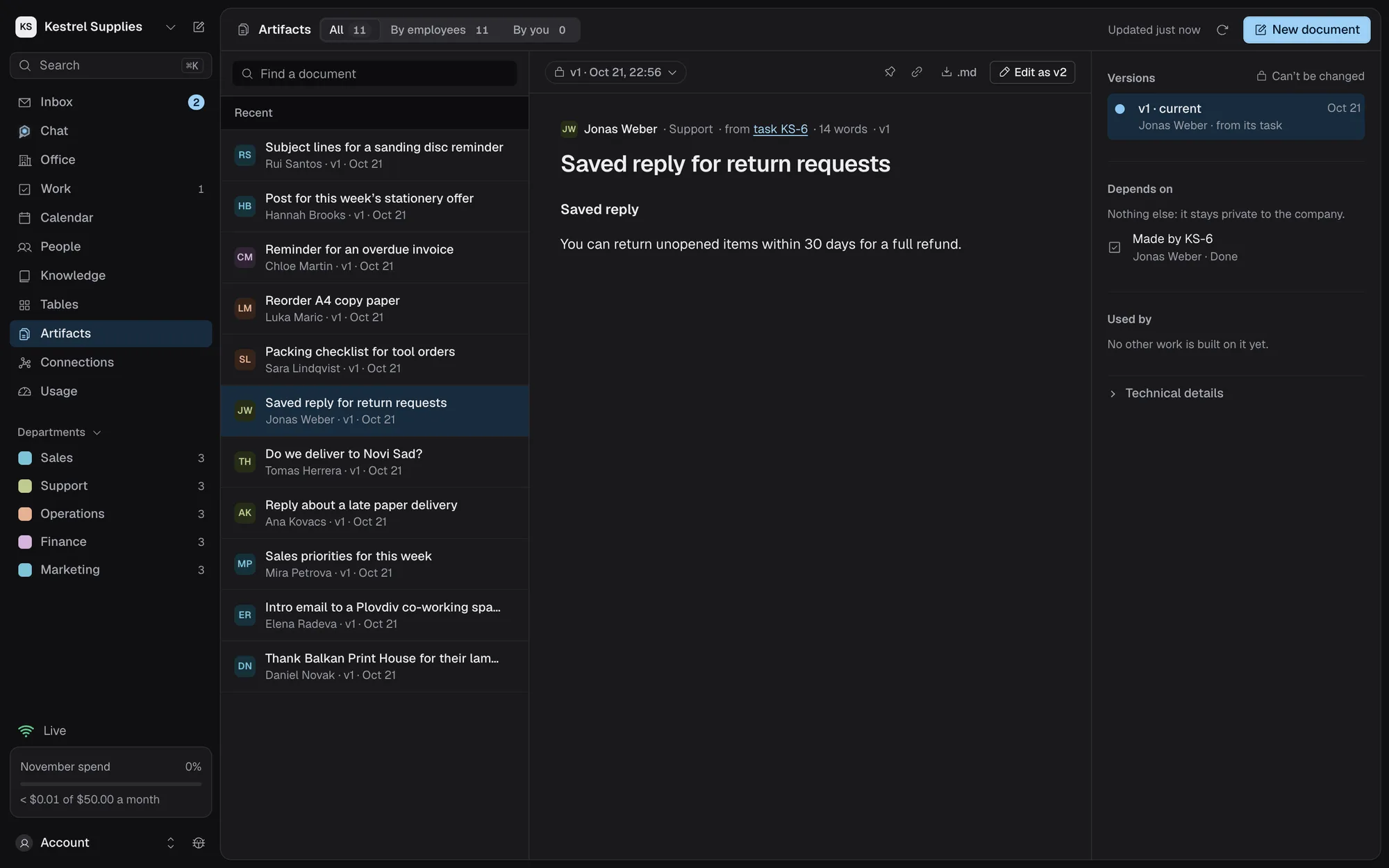
Each deliverable traces back to its task
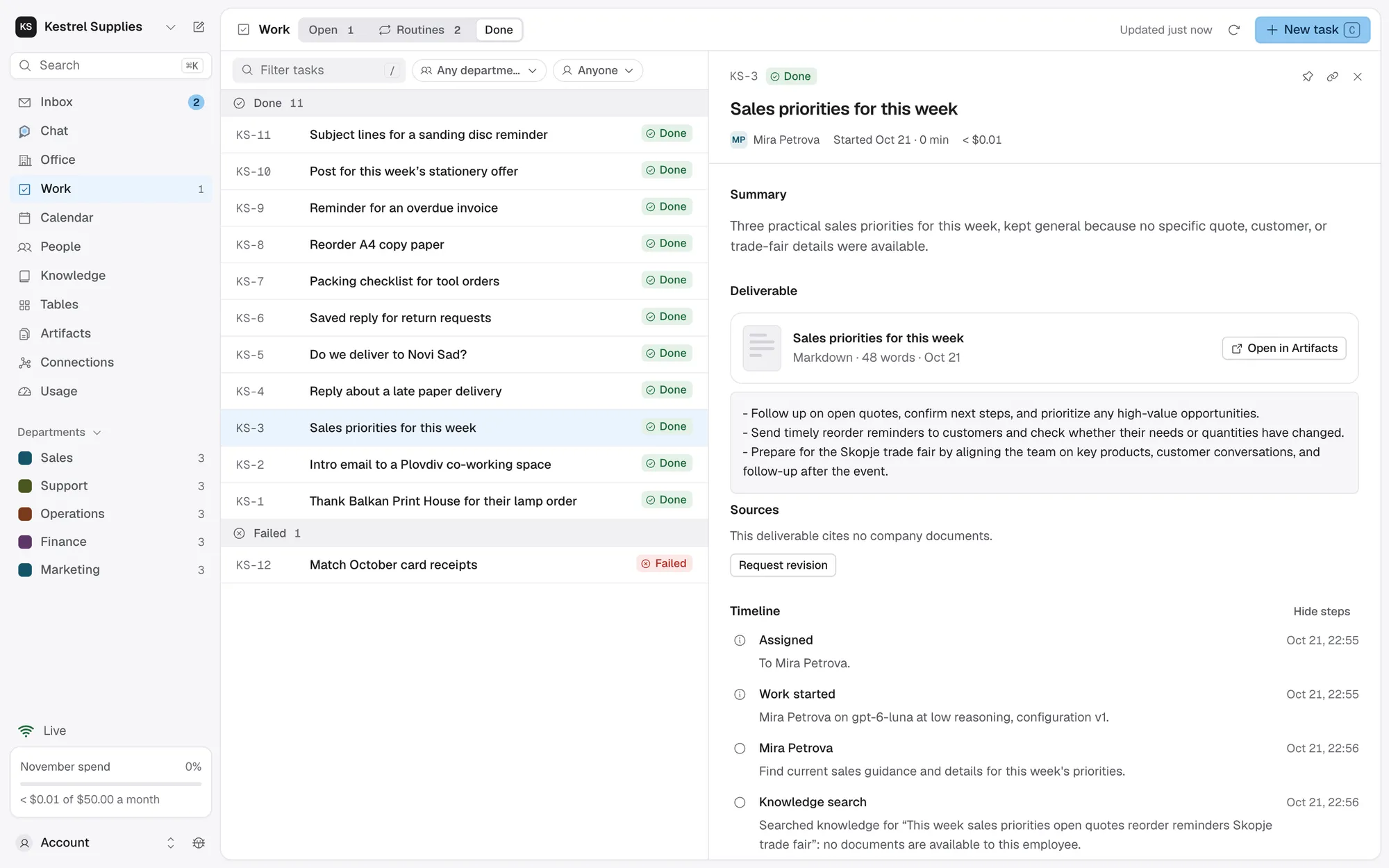
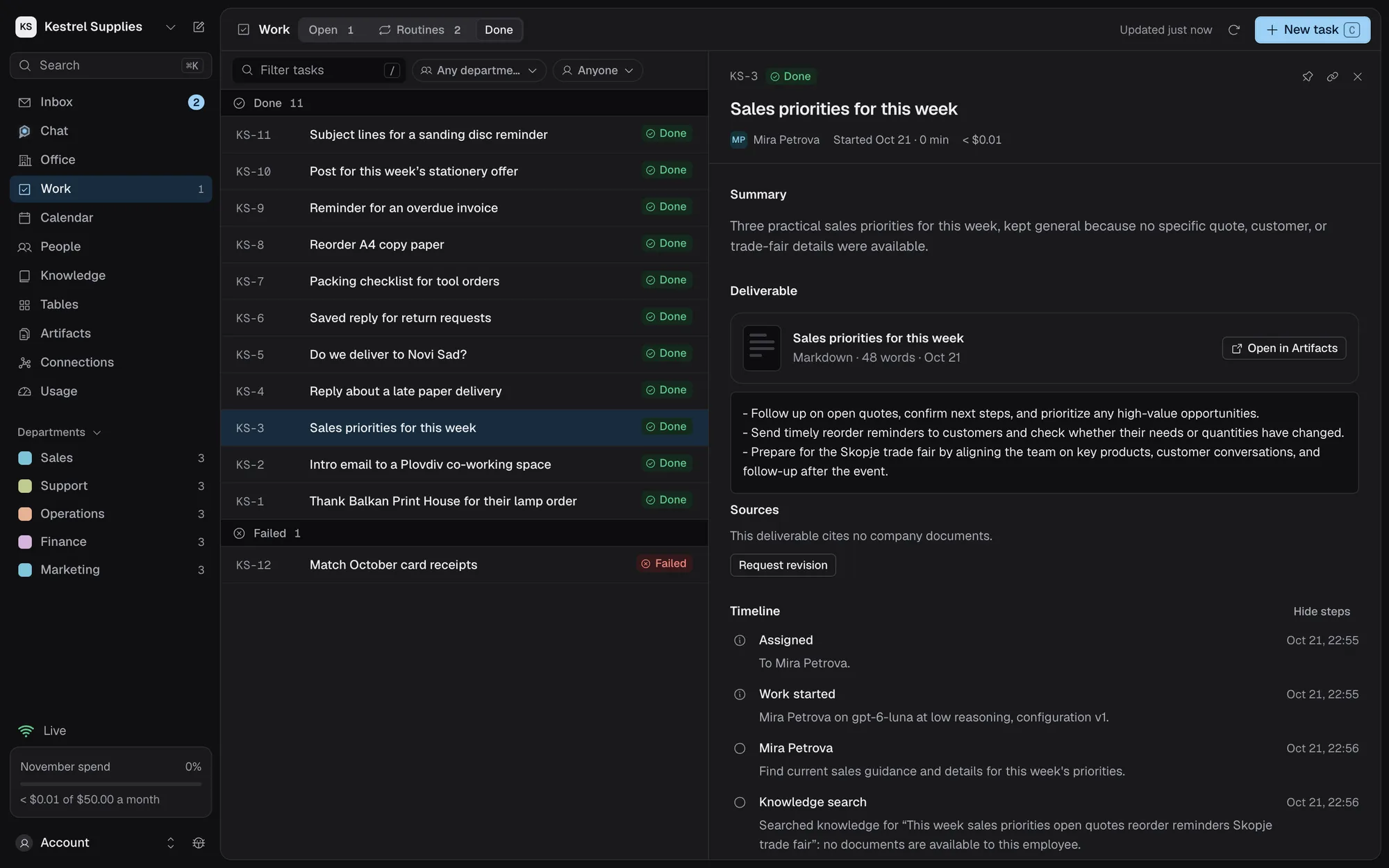
A task is done only when its deliverable is stored and passes its checks. Its record shows the document with Open in Artifacts, the sources it cites and every step that made it.
- The document names its task, such as “from task KS-131”
- Request revision, and the result becomes the next version
- Files a task kept, such as images or PDFs, stay in its record
Questions about tables and documents
Can I edit a cell by hand?
No. Run the column again, or import the values from a CSV. That keeps every value traceable to whoever filled it.
What does filling a column cost?
At most its Stop at budget, and never past your spending limits. The batch bar and the table’s toolbar show what it has spent.
Will a send column message people without me?
No. Each batch waits for your approval of its exact rows. For a column you send from often, a standing approval lets batches run within caps you set; its first sample still waits for you.
Can I change an employee’s deliverable?
Not in place. Edit as saves your changes as the next version, or ask the employee for a revision from the task’s record.
Can I share a document outside the company?
There is no public link. Download it as Markdown and send it yourself.
Put your lists to work.
Free plan, no card. Every batch within its budget, every send approved by you.